Missing Sync Lists
-
Comments:
- here.
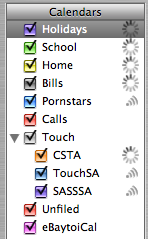
I bought Missing Sync for PalmOS - probably a bad decision as it’s not really that much better than the standard Palm Syncing software. Oh, it claims to be heaps better, but there are just too many things that don’t quite work right. For instance, it makes duplicate entries on my Palm of Read-Only calendars. I use but one of these, that has all of the Australian Public Holidays in it. However, I’ve stopped syncing, as by the end of a month I have 30 copies of each holiday in the database. Not cool. So, surely there’s a way (a-la iTunes/iPod syncing) to only choose some of the items. As it turns out, there is. If you select the Conduit (Events) and then Choose Settings…, you can choose to only sync selected calendars. Except you can’t get at anything other than the first 4 calendars. The scroll bar in this window is broken. Makes it pretty hard to deselect the ones you don’t want.  I got around this by renaming my Holidays calendar to Aus Holidays, but I shouldn’t have to do this.