Transparency and Fading
-
Comments:
- here.
I’ve gotten frustrated with the fact my Admin Toolbar, which most of you won’t ever see, obscures some of the page at times: 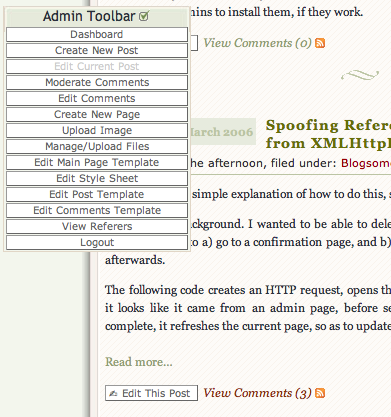 I’m really happy with how much time this saves me, however, so I don’t want to kill it. If only I could make it only appear when I’m actually hovering over it… And then I chanced upon the opacity: selector:
    #adToolbar{
        opacity:0.1;
        -moz-opacity:0.1;
        filter:alpha(opacity=10);
    }
    #adToolbar:hover{
        opacity:0.8;
        -moz-opacity:0.8;
        filter:alpha(opacity=80);
    }
(The second entry is for older versions of Firefox, the third for IE). Now, it looks more like: 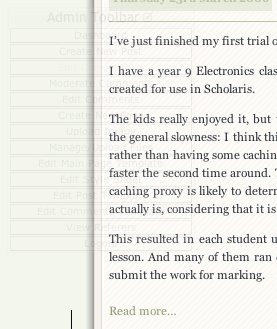
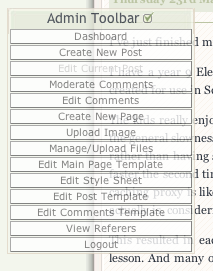 The only thing I’d like to do is make it so it fades in and out, which I might be able to do with the original JavaScript, or perhaps so that only the actual item that is being hovered over is more opaque. However, I’m struggling with the CSS to to this, so I’ll leave it out. I do like the idea of a fade in-out, however.